Guides
Follow a workflow—staging, materials, floor plans, and more.
Guides walk you through a job. Examples are copy-paste prompts from the Cheat Sheet.
Guides teach the job. Examples give you the prompt. Start either way.
EDIT is an AI image editor for real estate and architectural visuals—staging, materials, elevations, floor plans, and grids. Try it at edit.diyrender.com.

Pay-as-you-go: $0.50 per successful generation. Wallet minimum top-up is $5. Failed generations are not charged.
Yes. Open the app with no credit card. After signup you get two free full-quality generations (unwatermarked downloads).
No. Pay per successful generation—no monthly plan required.
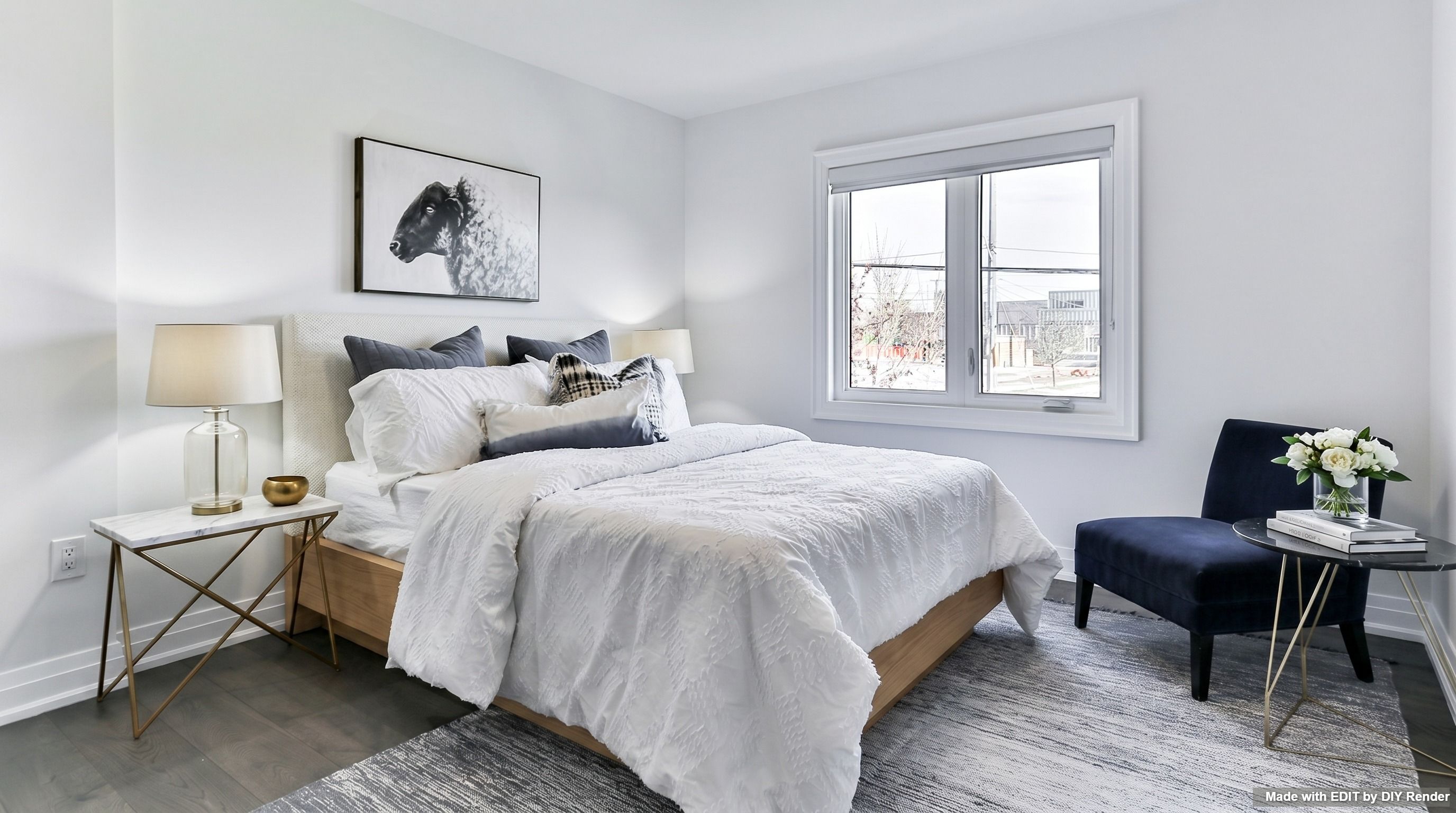
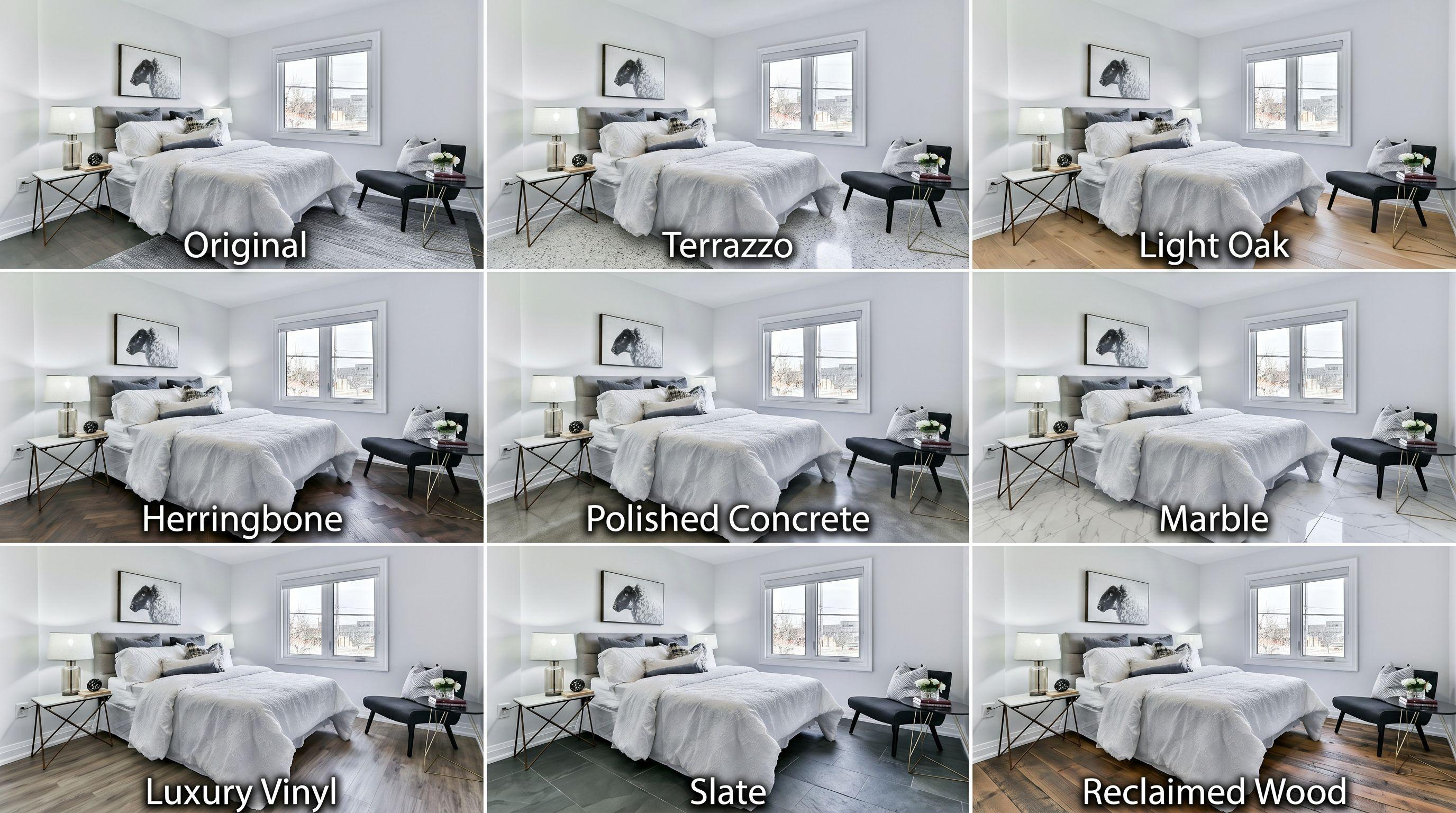
MINIMALIST WILLIAMS-SONOMA: Virtually stage with photorealistic BEDROOM furniture. The furniture, lighting, and shadows must be seamlessly integrated. Maintain composition.One photo → a contact sheet of options (floors, lights, skies, and more). After Step 1 in EDIT, use Enhance Image to promote one panel. Browse Grids & mood boards.

Yes—for presentations, listings, and client work. Follow any local rules about disclosing AI-assisted imagery.
Your session gallery stays in your browser on your device. We don’t host a cloud photo library. Images are sent to AI providers only to generate results—see Privacy Policy.
edit.diyrender.com — runs in the browser.