Appearance
Guides
How-tos for common EDIT workflows. Pick a guide to follow along with prompts and examples.
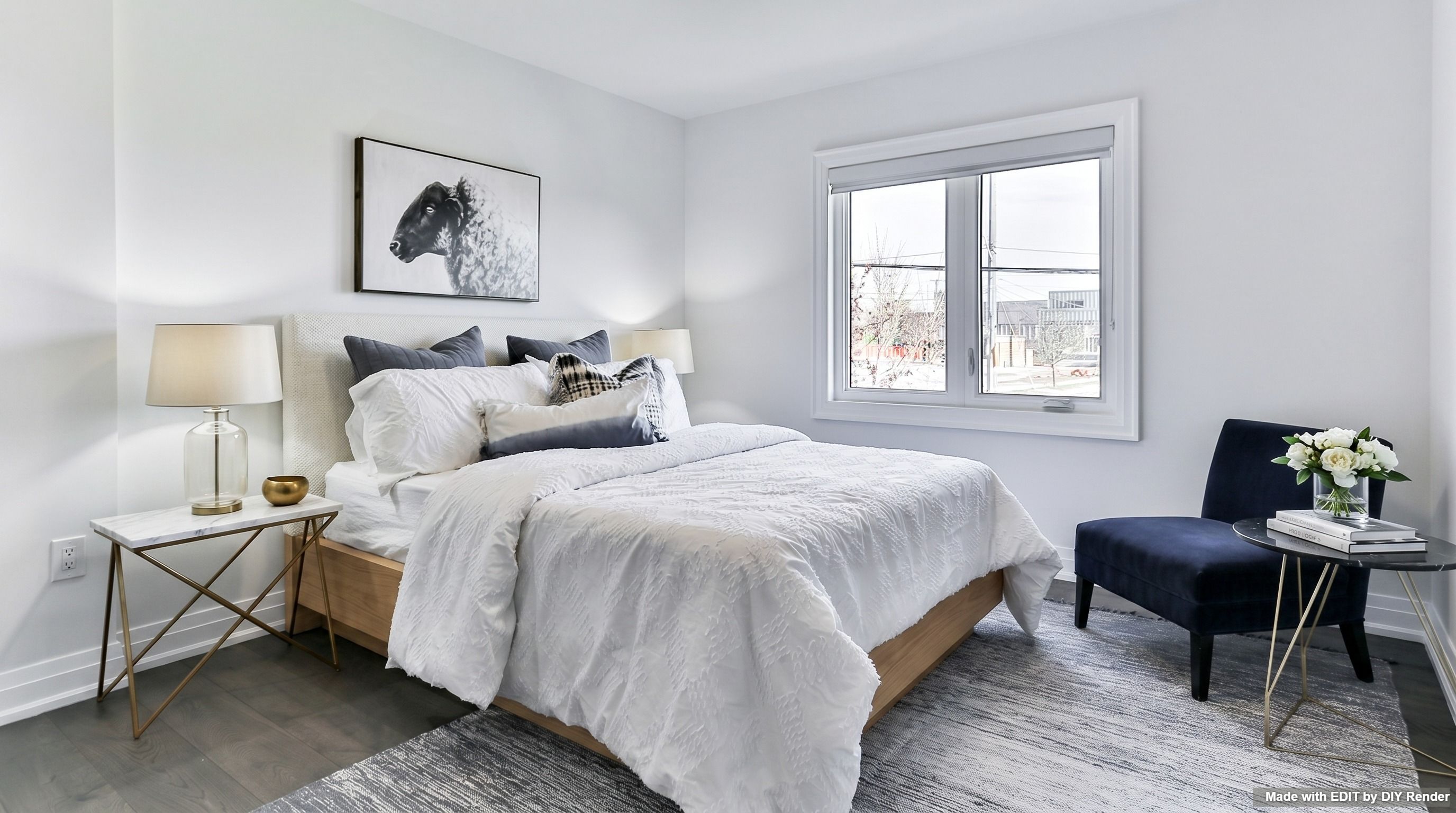
Virtual staging
Stage empty or dated interiors with style-led prompts.
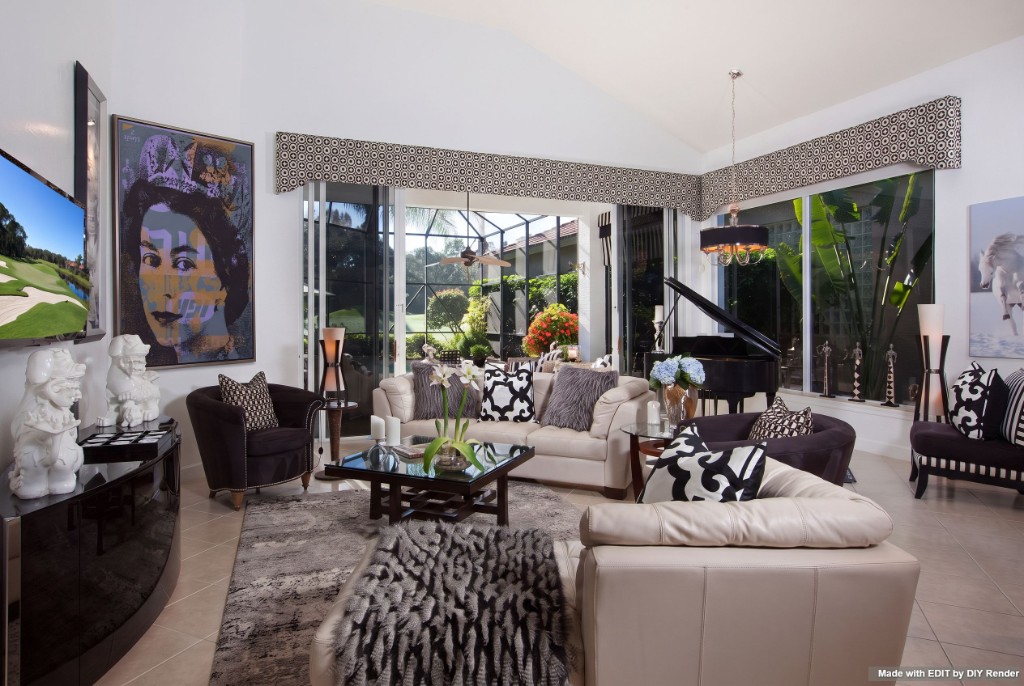
Adding objects
Hang artwork or place objects with Refine, a reference photo, and real measurements.
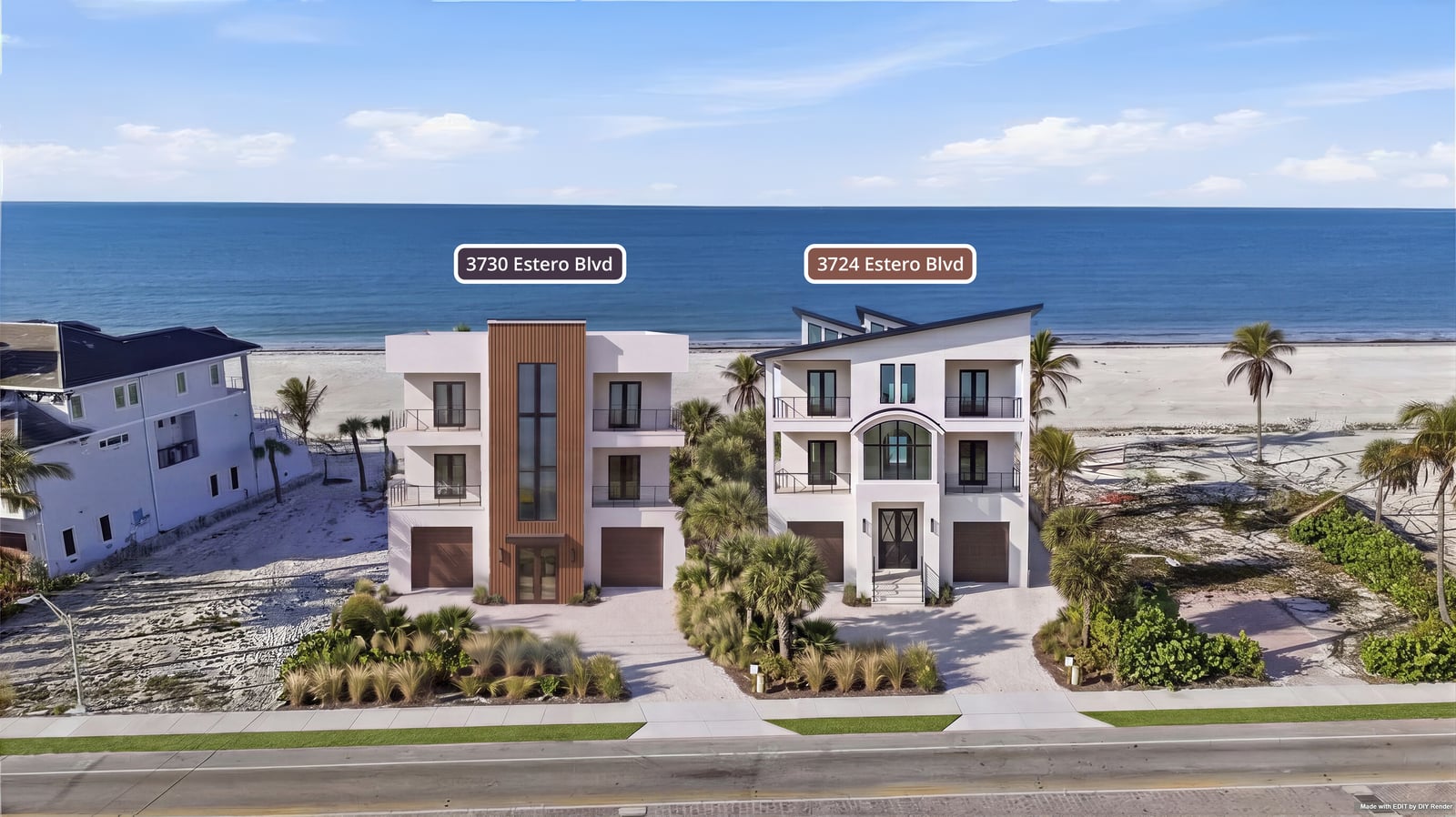
Concept aerials
Place proposed buildings on real aerials—lot boundaries, site plans, Photoshop scale fixes, and when to use 3D instead.
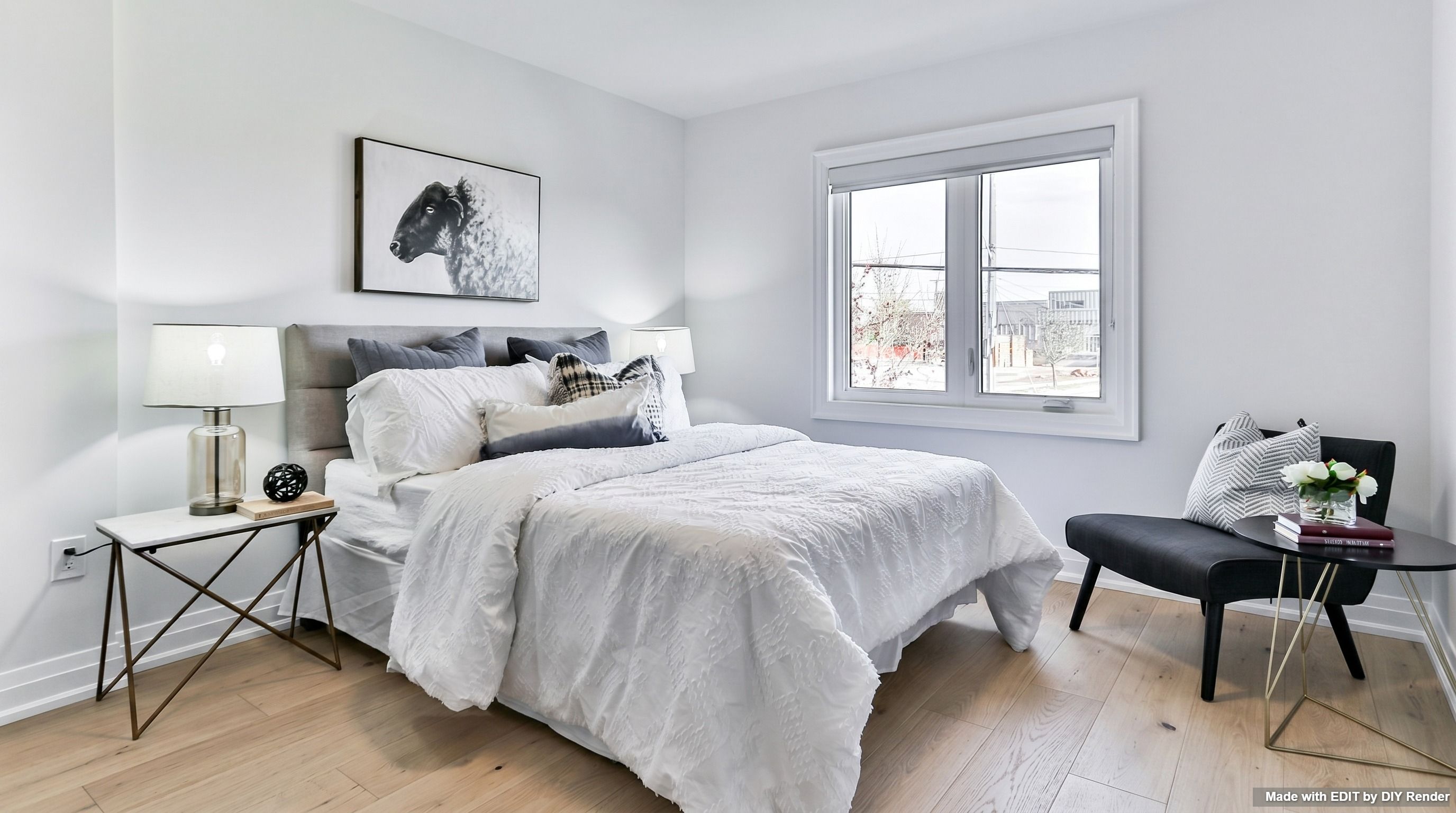
Interior Floors, Cabinets & Lights
Swap floors, cabinets, and lighting—or explore finish grids.
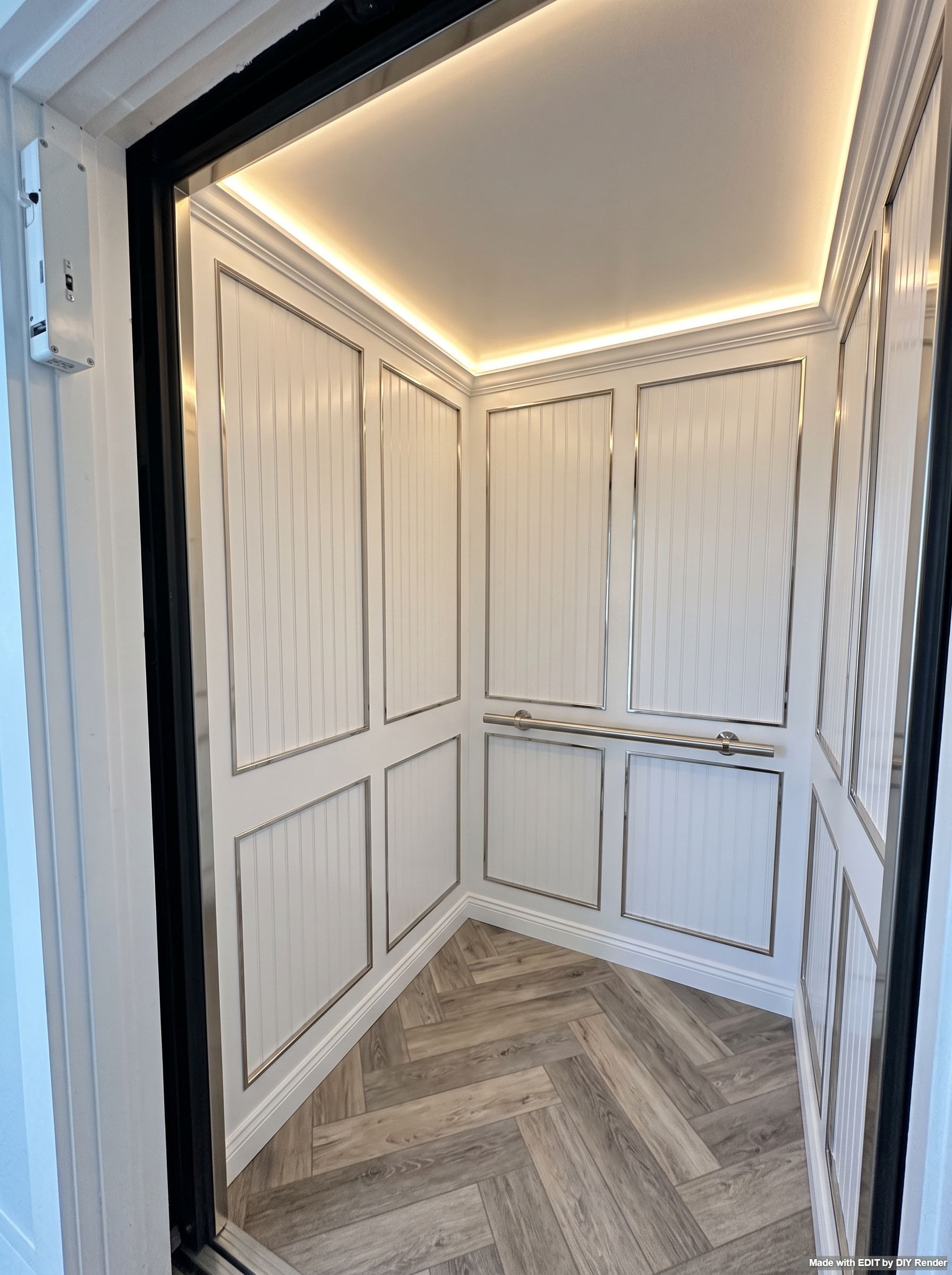
Elevator CAB interiors
Finish an unfinished elevator cab as a luxury coastal interior, or compare nine material palettes.
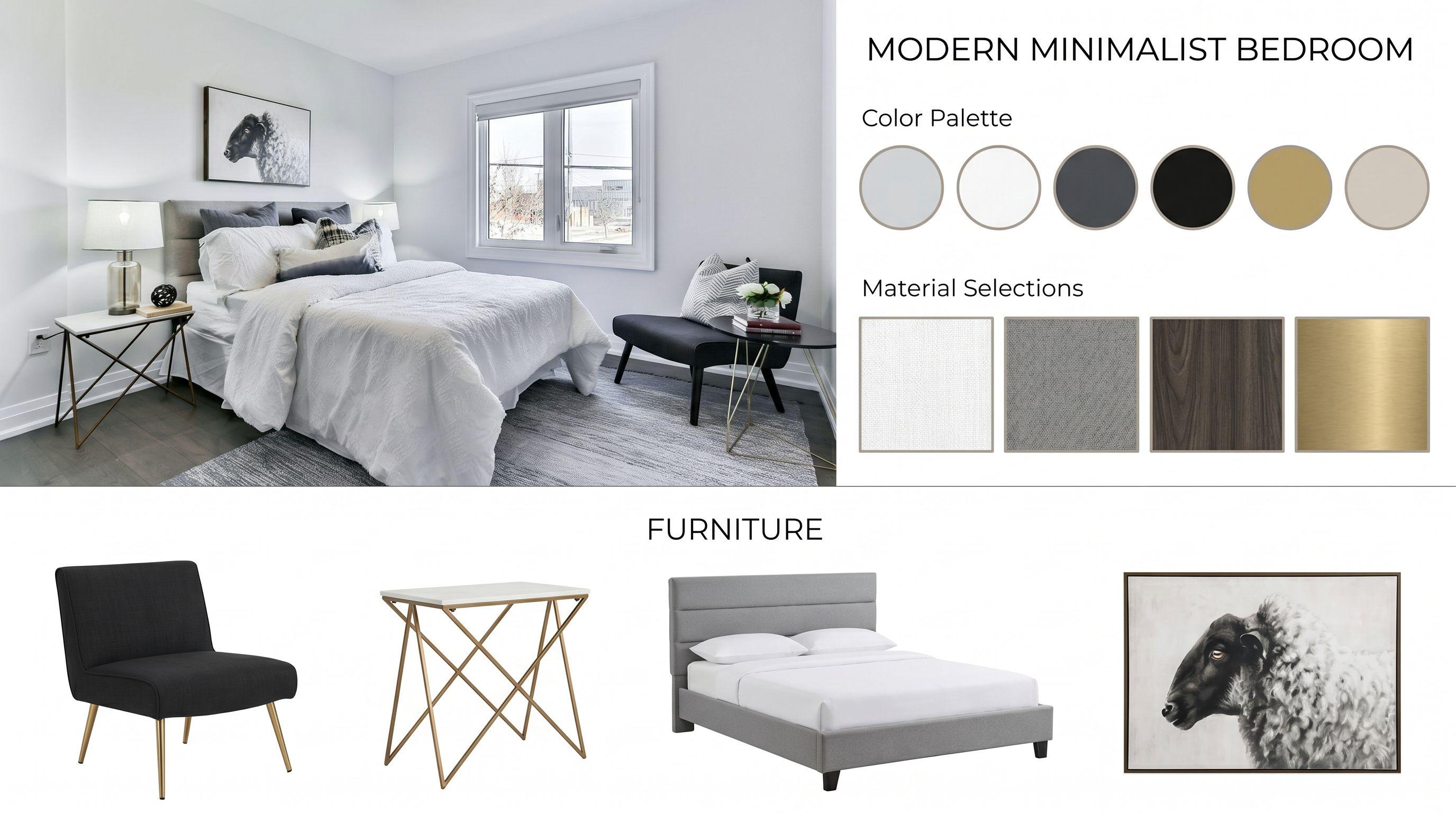
Mood boards & Room Angles
Generate mood boards, swatches, and angle grids—then Enhance.
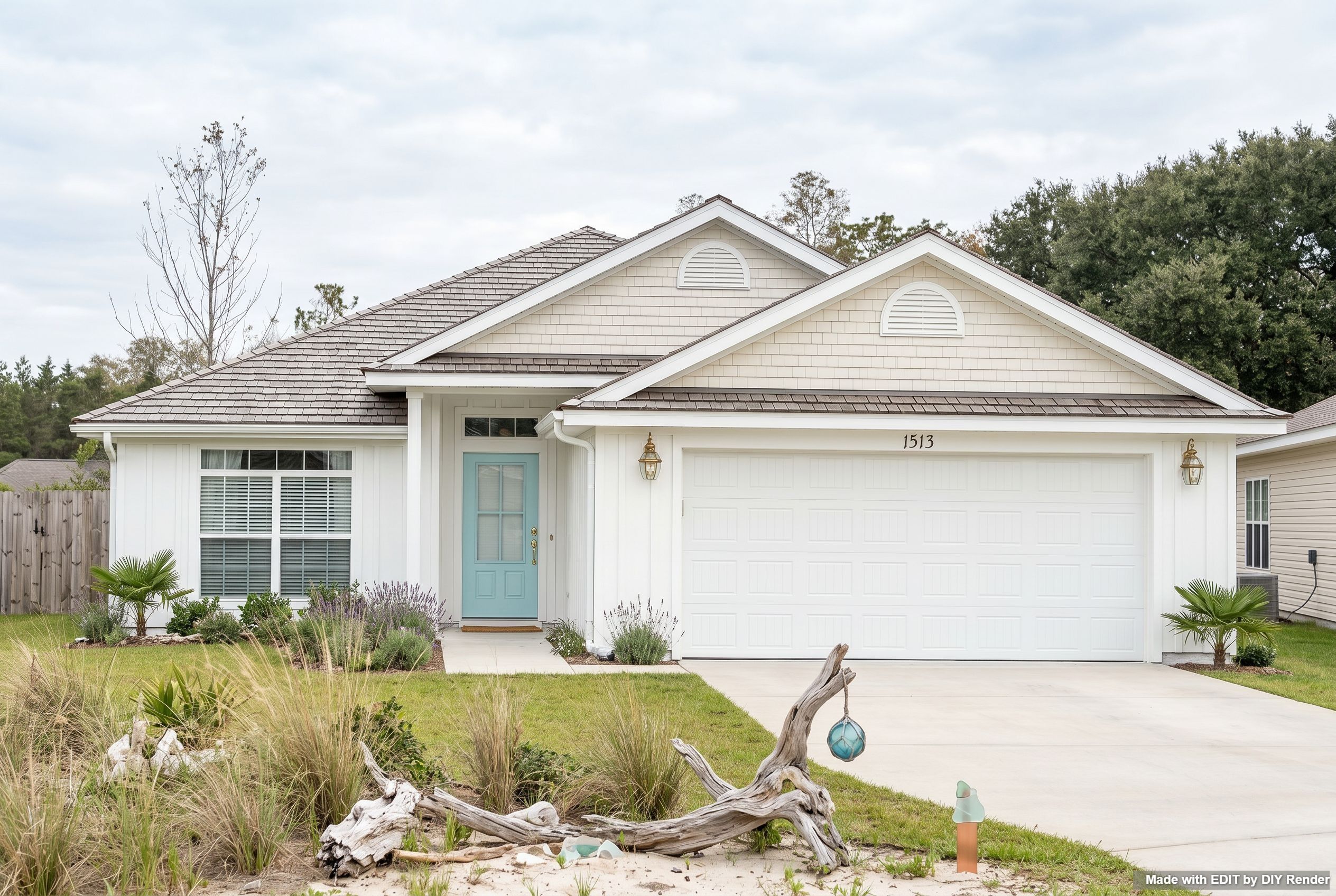
Exterior Restyle, Light & Landscaping
Restyle a house photo—coastal look, landscaping, or twilight.
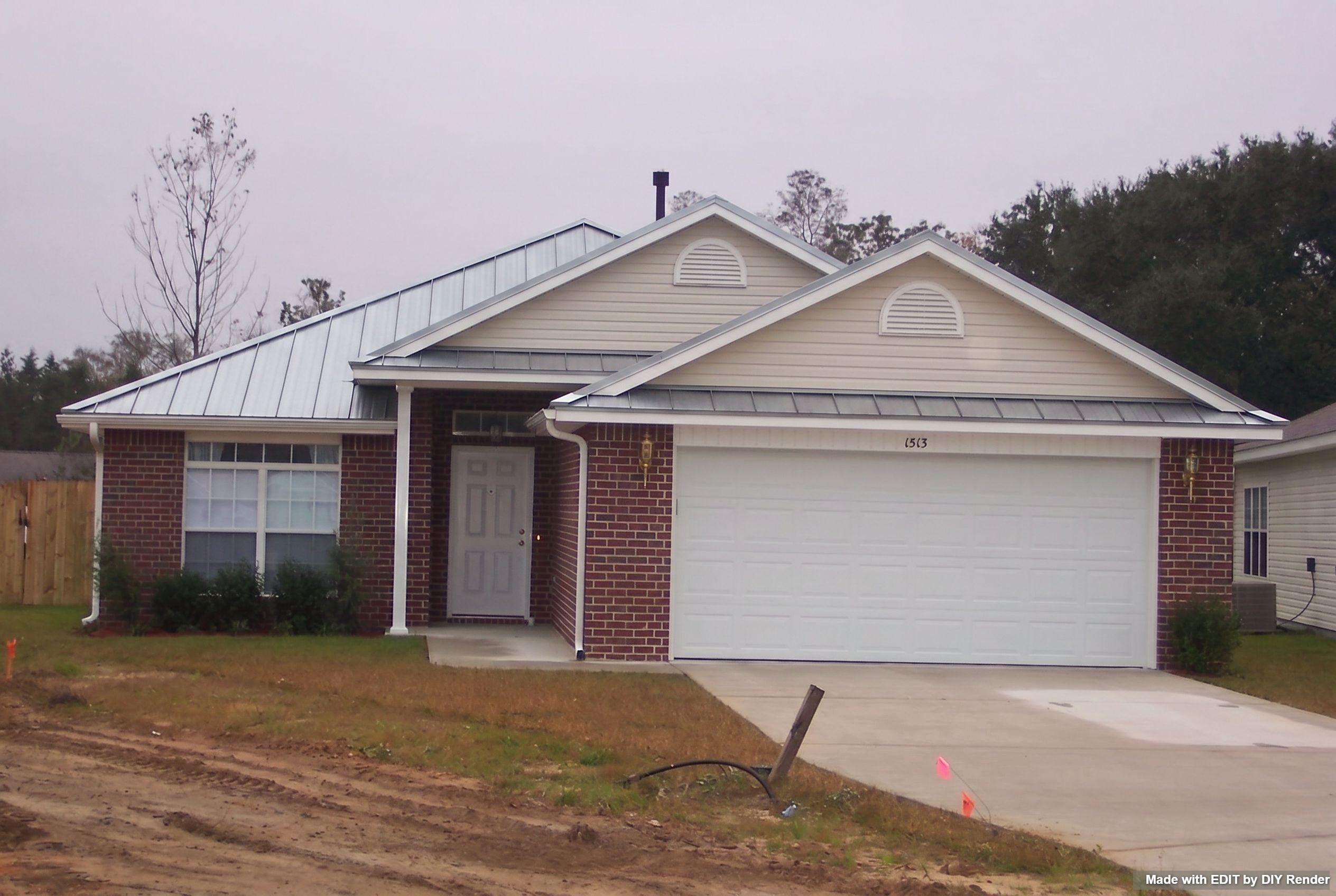
Roofing & Facades
Swap one roof, compare Multi-Roofs, then explore facade packs.
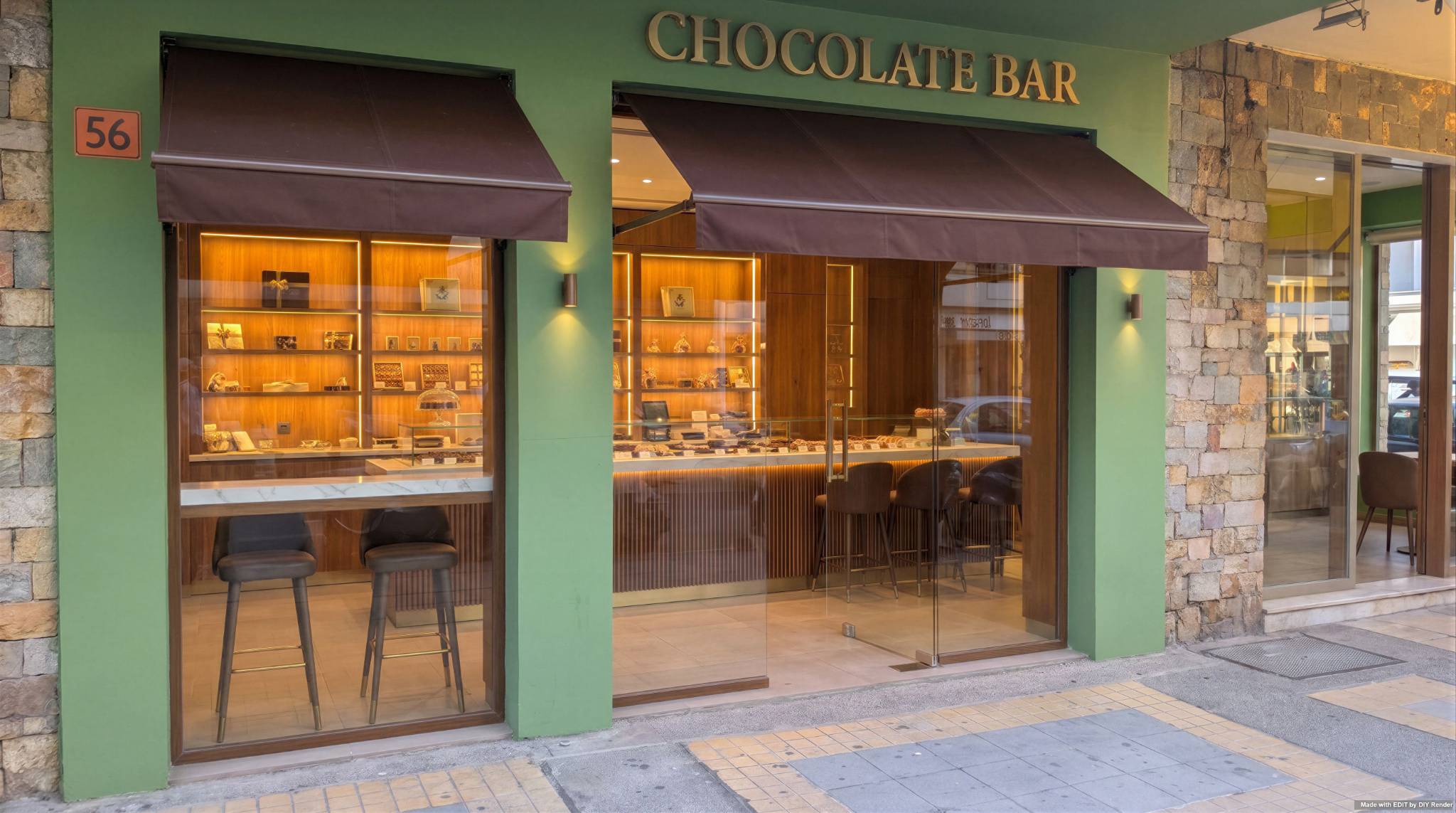
Storefronts
Rebrand a retail facade, then clear people and clutter in two passes.
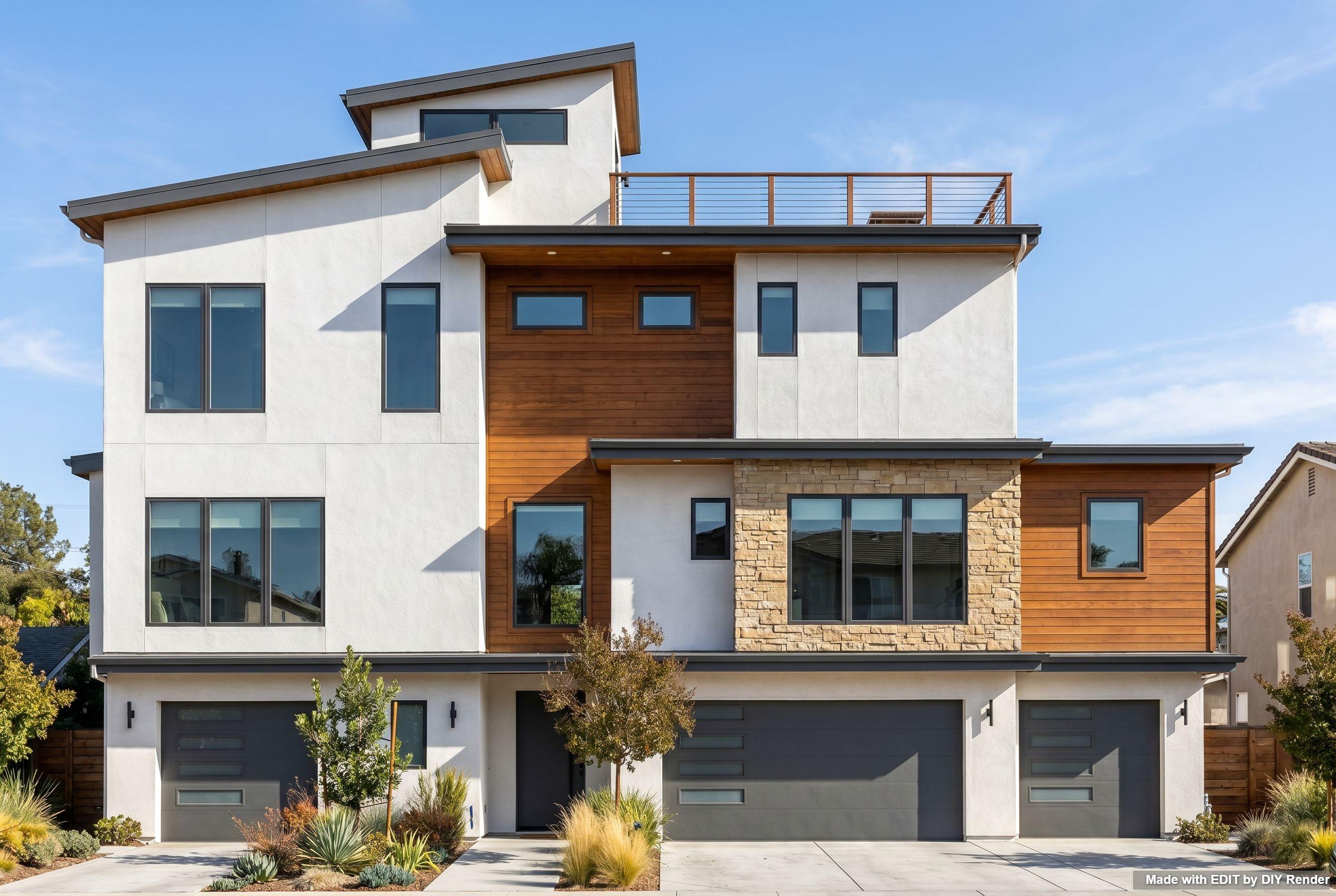
3D elevations
Turn a colored elevation drawing into a photorealistic concept elevation.
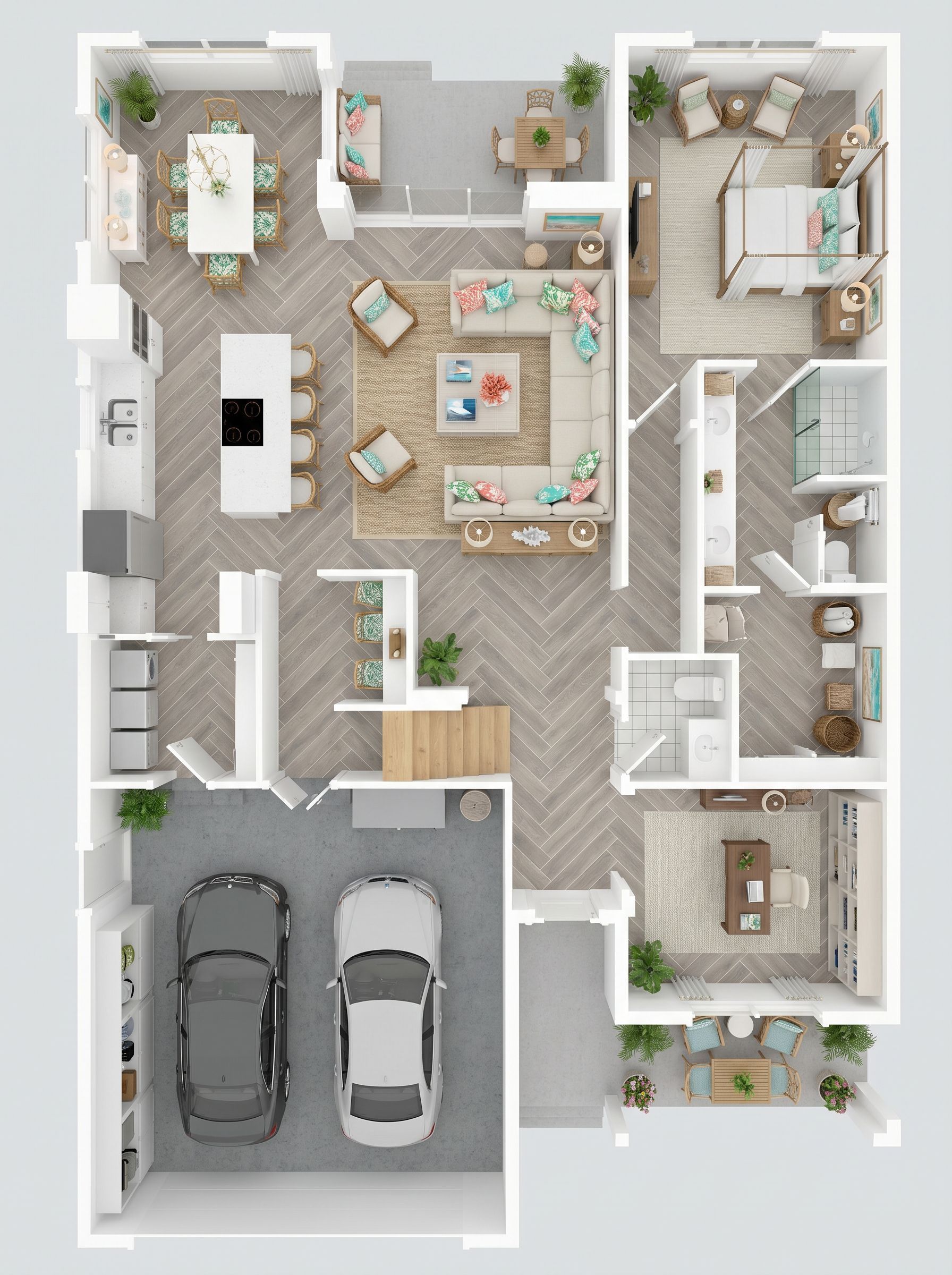
2D to 3D floor plans
Turn a cropped 2D plan into a photorealistic 3D floor plan.
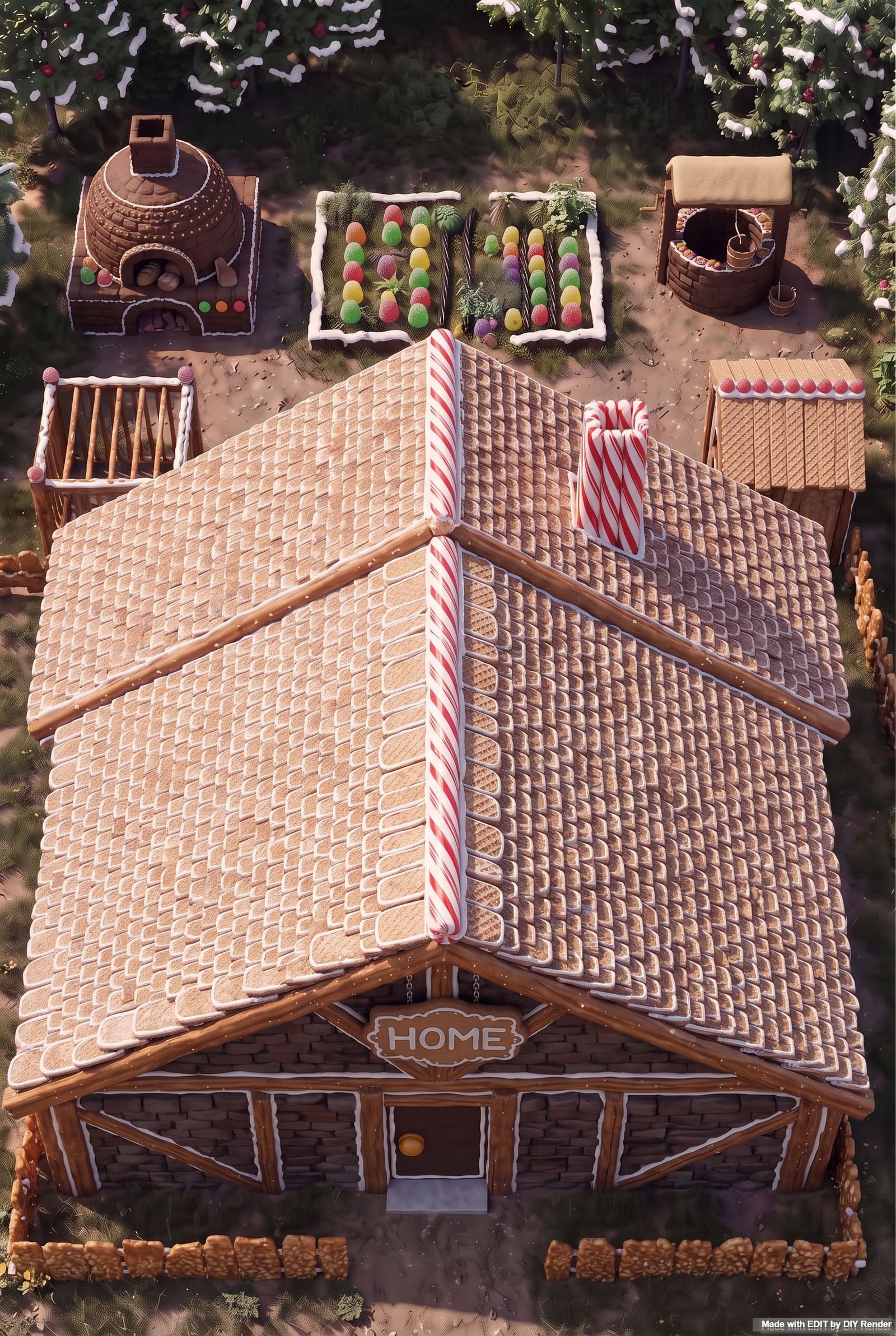
ASCII to concept video
Lay out plans in a chatbot, then turn a chosen plan into images and a short concept video.

Styles
Turn a 3D render into a listing photo, or a photo into a client-ready illustration.

Color Mask
Flat colors for each material so you can select a roof, wall, or floor in one click.