Appearance
Styles
Turn a 3D render into a listing photo—or a photoreal exterior into a client-ready illustration. Same building, different finish.
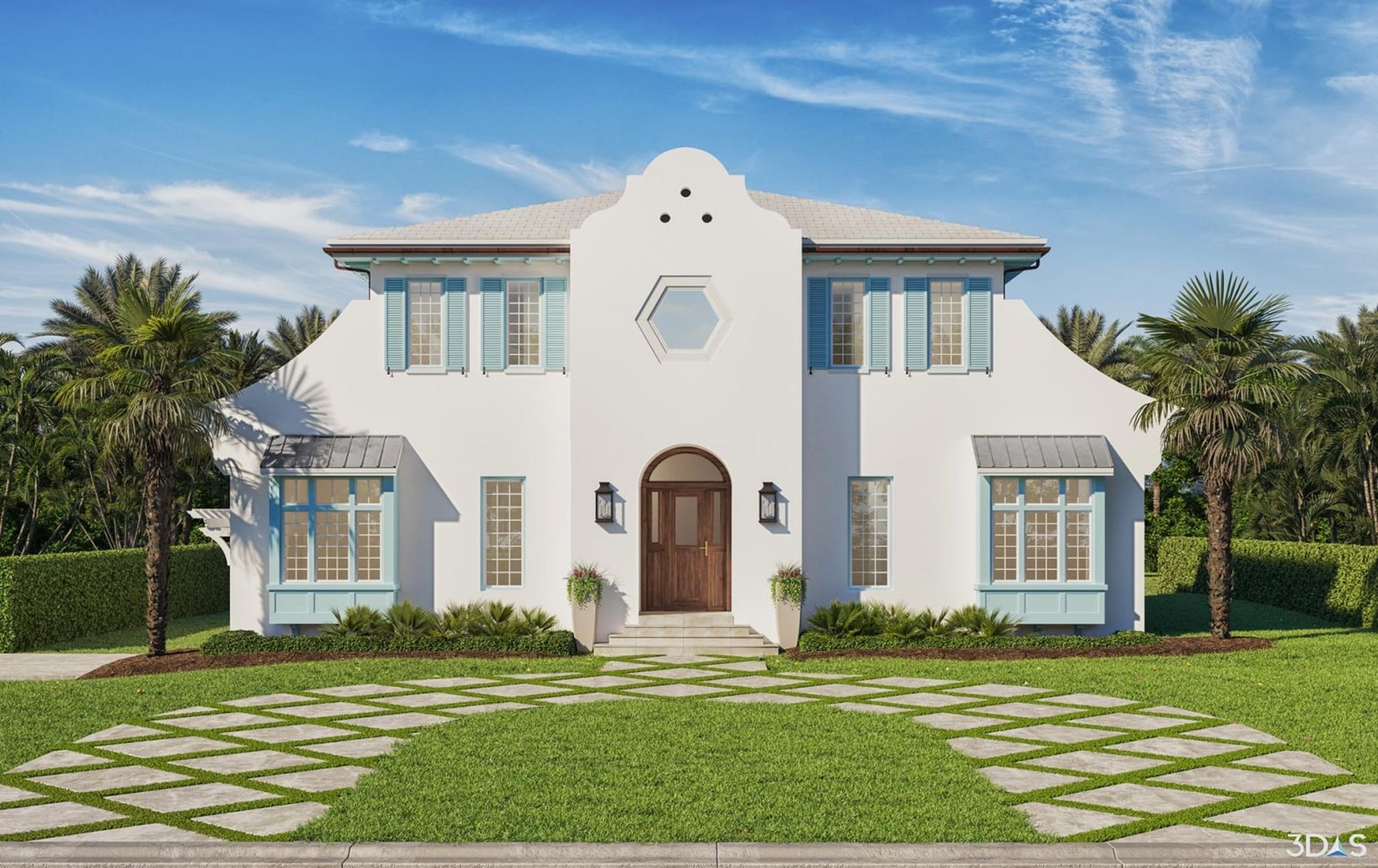

Upload your image
Click + New. Upload a clear 3D render or exterior photo—styles preserve composition best when the building is readable.

Use the Assistant
Open the Assistant and click a Prompt Option—or paste a style prompt below. Use More for Render to Photo, or paste an illustration medium.
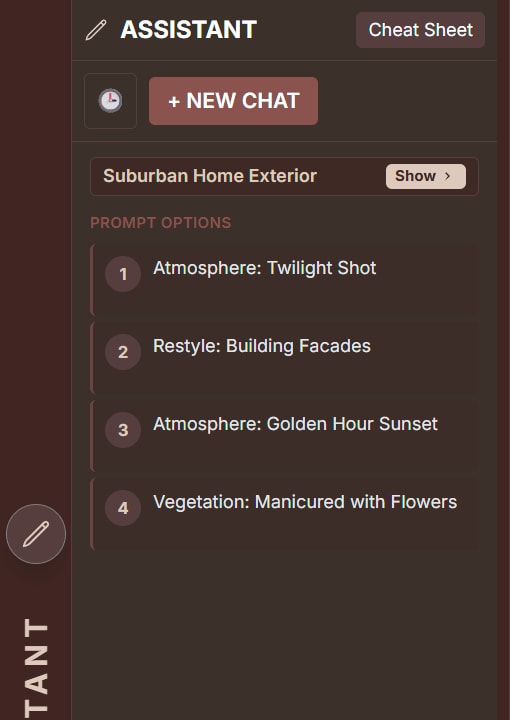

Render to Photo
Convert a digital 3D rendering into a high-end real estate photograph. Geometry, windows, and landscaping stay locked.
Example: Render to Photo
Prompt
Convert the digital 3D architectural rendering into a crisp, high-end real estate photograph captured with a professional DSLR camera using a fixed 35mm lens angle. Lock all vanishing points to the central gable and stone paver grid to prevent perspective drift. Introduce authentic photographic characteristics: natural micro-textures on the exterior wall surfaces, subtle lens refraction in the glass panes, natural color grading with balanced dynamic range between sunlit and recessed areas, and organic variations in the roof materials. Strictly preserve the exact building geometry, rooflines, window placements, doors, and landscaping from the source image.Pencil sketch
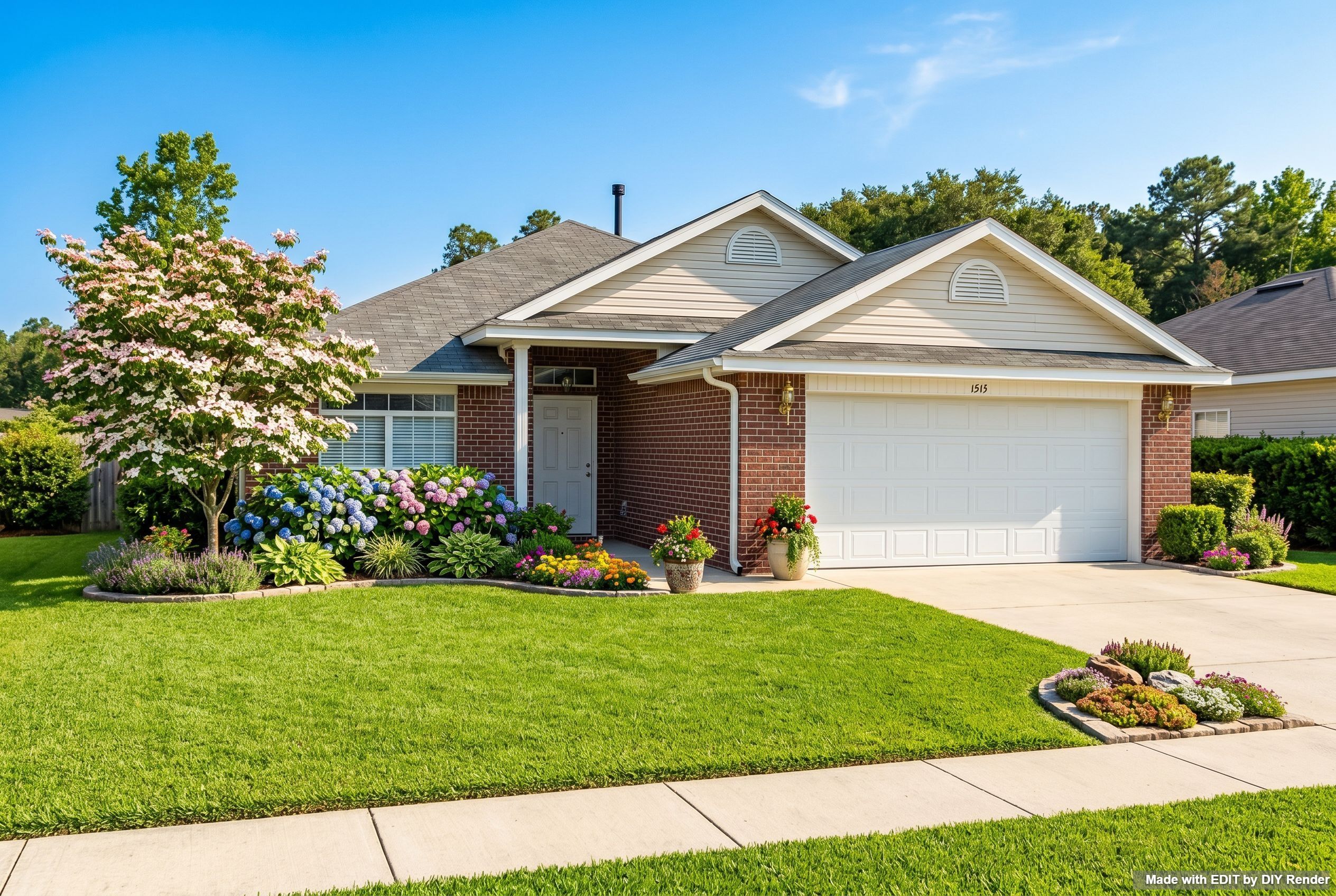
Turn the same photo into a pencil sketch architectural illustration.
Example: Pencil Sketch Illustration
Prompt
Reinterpret this image as a PENCIL SKETCH architectural illustration. Preserve composition and recognizable building identity.Watercolor
Turn the same photo into a watercolor architectural illustration.
Example: Watercolor Illustration

Prompt
Reinterpret this image as a WATERCOLOR architectural illustration. Preserve composition and recognizable building identity.Marker render
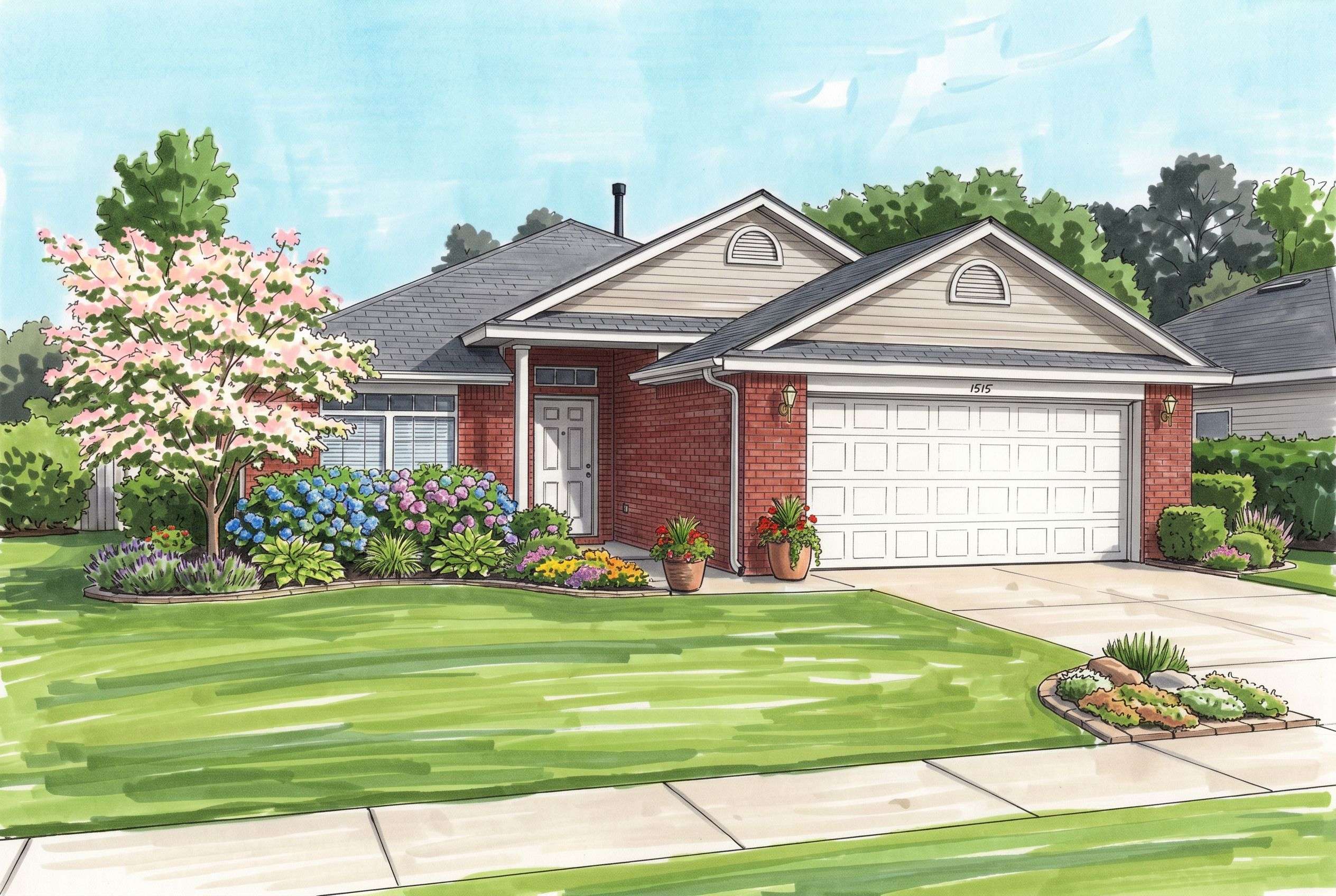
Turn the same photo into a marker render architectural illustration.
Example: Marker Render Illustration
Prompt
Reinterpret this image as a MARKER RENDER architectural illustration. Preserve composition and recognizable building identity.Charcoal
Turn the same photo into a charcoal architectural illustration.
Example: Charcoal Illustration

Prompt
Reinterpret this image as a CHARCOAL architectural illustration. Preserve composition and recognizable building identity.More styles
Same workflow—swap the medium name:
More guides
Same app—different job:
- 3D elevations — photoreal from a drawing first
- 2D to 3D floor plans — plan presentation
- Exterior Restyle, Light & Landscaping — get the photo right, then illustrate it
Browse every how-to with previews: All guides.
Deliver a presentation-ready photo or illustration.
Try EDIT free — no credit card.